Using the eero "App"

The eero “app” is quite simple and functions well to manage your eero network.

Instructions

Instructions from the eero Support page can be found HERE.

Resetting the eero router

If you need to reset the eero router to factory settings, click HERE.

Basic Steps

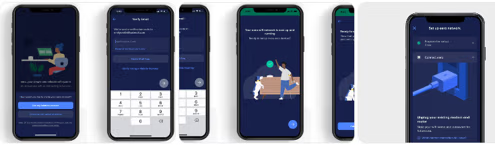
The main steps for setting up the eero 7 are:

  1. Install the app from the App Store on your mobile device.
  2. Create/sign into your account.
  3. Connect the eero to the ONT modem.
  4. The app will “find” the eero via Bluetooth.
  5. Create a WiFi name and password.
  6. Test the connection.
  7. Add any extra mesh extenders if you have any.
  8. Set up a guest network (optional).
  9. Set up profiles (optional).
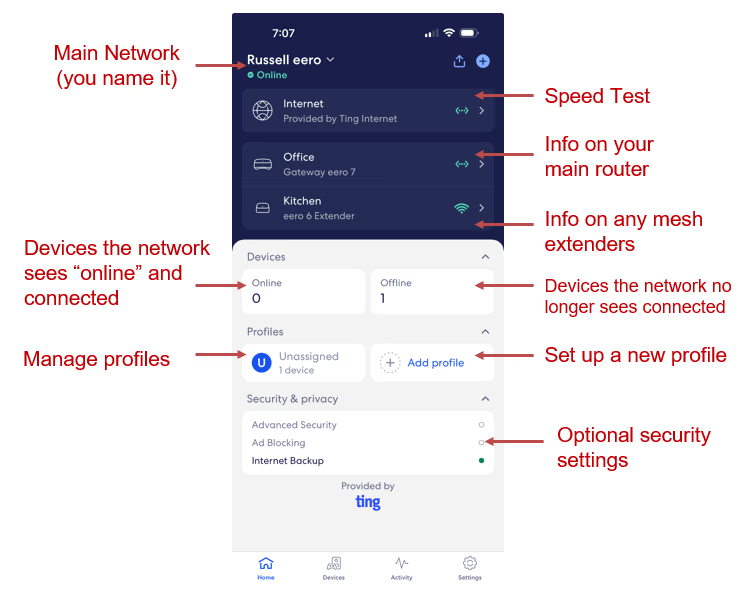
Home Screen

An example of an eero Home screen from the app.
GET IN TOUCH