Here is what you will be getting and how to use it.
The Gemini Box
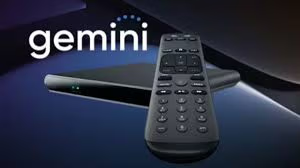
Residents will be getting two (2) Gemini boxes sent to their addresses on file with Resident Services. You will also be receving account “credentials” to serve as your account login and management of your DirecTV service.
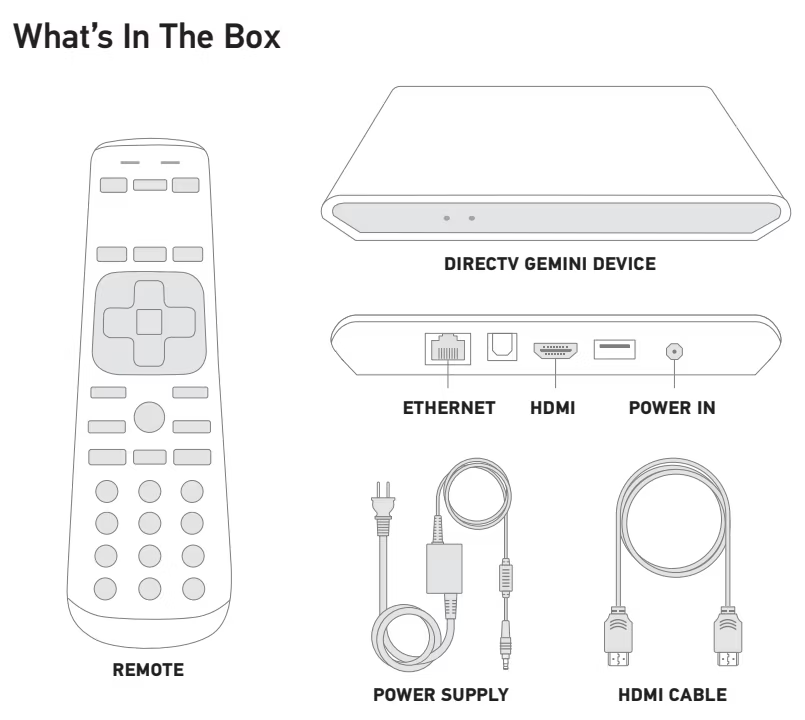
The Gemini box plugs into power in the wall and also connects to your TV with an HDMI cable. There is WFi inside the Gemini so this is how it connects to your network and internet.
Setup Guide: Click HERE for a short written setup guide.
Setup Video: Click HERE to watch a short (4:33) video on setup.
The DirecTV Stream 'App'
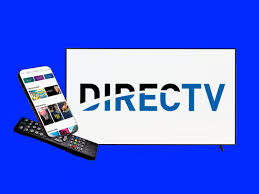
You can also download the ‘app’ into your Andoid or iOS mobile device (phone or tablet) as well as onto your Smart TV itself.
So while residents are getting two (2) Gemini boxes that can be connected to their TVs, the “app” can be used on any Smart TV or mobile device to stream DirecTV channels and entertainment.
Gemini Box and DirecTV App - 2 ways to view entertainment